Moadra Stuck? Barriers, Power & Locked Paths
Identify blocked paths by their scan text: Emerald Plasma, explosive and pulse barriers, power failures and passkeys, with a practical return-trip checklist.
FAQ
Does every blocked door require a stronger weapon?
Does the barrier color alone identify the solution?
What should you check when a route will not open?
First get to safe ground and scan the actual obstruction. Note its displayed name, the energy it mentions and whether the text describes a lock or an inactive system. A door that lacks power is a different problem from a living barrier resisting your shots.
The table separates what the scan says from a suggested test. These are source-based tests for tools you already own; they are not verified pickup routes.
Which barrier matches your scan?
| Exact record | Confirmed clue | Suggested next check |
|---|---|---|
| Emerald Tunnel Barrier / Emerald Blockage | The luminous section is vulnerable to Emerald Plasma. | Read the plasma type of your equipped blaster and aim at the identified segment. |
| Armored Barrier / Armored Blockage | High explosive energy is named. | If owned, compare the high explosive description of Protocannon. |
| Pulsating Blockage | Pulse energy is named. | Compare Protopulse; a charged blaster shot is not automatically pulse energy. |
| Hyper Blockage | Hyper-Energy generated at hypersonic speed is named. | Check your available movement abilities, especially Hyper Rush. |
| Harbinger | A weakness is detected in its eye. | Observe the named target rather than assuming an elemental requirement. |
What if it is a power or access problem?
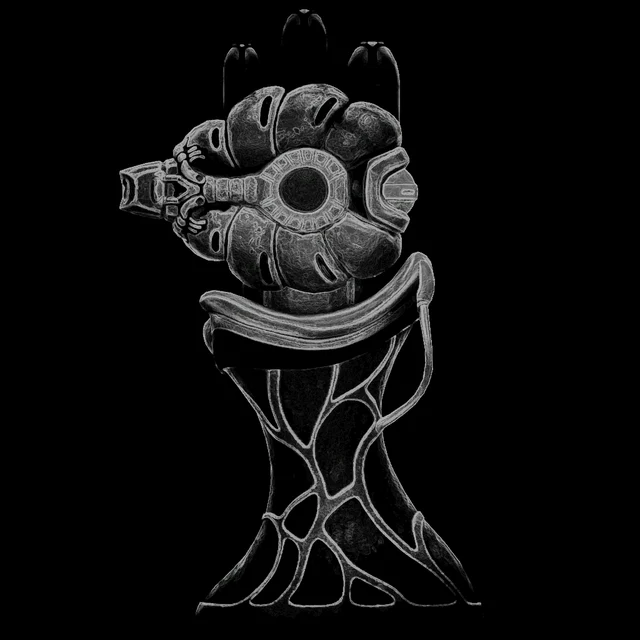
The Power Console describes a sensor responding to rapid chains of Emerald Plasma input. That suggests testing repeated suitable shots rather than assuming one hit is enough; the text does not specify a shot count or timing interval.
The Emerald Lift has separate unpowered and operational descriptions. The Emerald Passageway also includes power-flow states and a receptor description. Read the state shown in your game: finding several states in the catalogue does not mean every state is currently active.
An Archives Depot passkey scanner explicitly distinguishes a missing key from an accepted key. More damage is not a substitute for confirming access. No key location is established by that text. For the separate dialogue clues about the generator and key transfer, continue to power and passkeys.
How do you make a useful return-trip note?
Record four things in the exploration notebook: the room landmark, exact scan name, tool tested and observable result. For example: “Lift below the long shaft; scan says power missing; ordinary shots did not change the state.” This is a note format, not a real location supplied by this guide.
After acquiring a relevant ability, revisit matching notes first. If the result differs, check your game version and tool description before repeating the same attempt. The interactive field planner provides a companion view for matching obstacles to the tools available in your run.
Where do these clues come from?
Installed ScanInfosLocalized barrier, console, lift and passkey records linked above; ability inventory descriptions are linked at each suggested test. Exact routes, acquisition order and room interactions await gameplay checks. See source coverage for the distinction between text evidence and observed play.
Related Articles
abilities
Moadra Movement: Crawl Roll, Wall Jump and Mid-Air Extensions
Read the actual movement instructions for crawl rolling, wall sliding, wall jumps and Protopulse jump extension, with later abilities separated from Demo access.
database
Moadra Combat Clues: Alvus, Armor & Shields
Read the actual scan clues for Alvus, barriers and armored creatures. Separate explicit weaknesses in the game text from tactics that still need testing.
database
Build Your Moadra Exploration Checklist
Use browser-local marks, notes and JSON export to track discoveries in the Moadra databank without confusing reference records with in-game completion.
Was this helpful?
Thanks for the feedback!