Moadra Controls: Aiming, Movement & Rebinding
Understand Moadra controller aiming, target lock, variable jumps and rebinding. Check your current in-game bindings before following old guides.
How should you check your bindings?
Open your current control settings and identify movement, jump, fire, aim, scanning and your unlocked skills. Test a change immediately, then change one setting at a time. This guide avoids presenting a universal keyboard layout because bindings can be customized.
What changed in controller aiming?
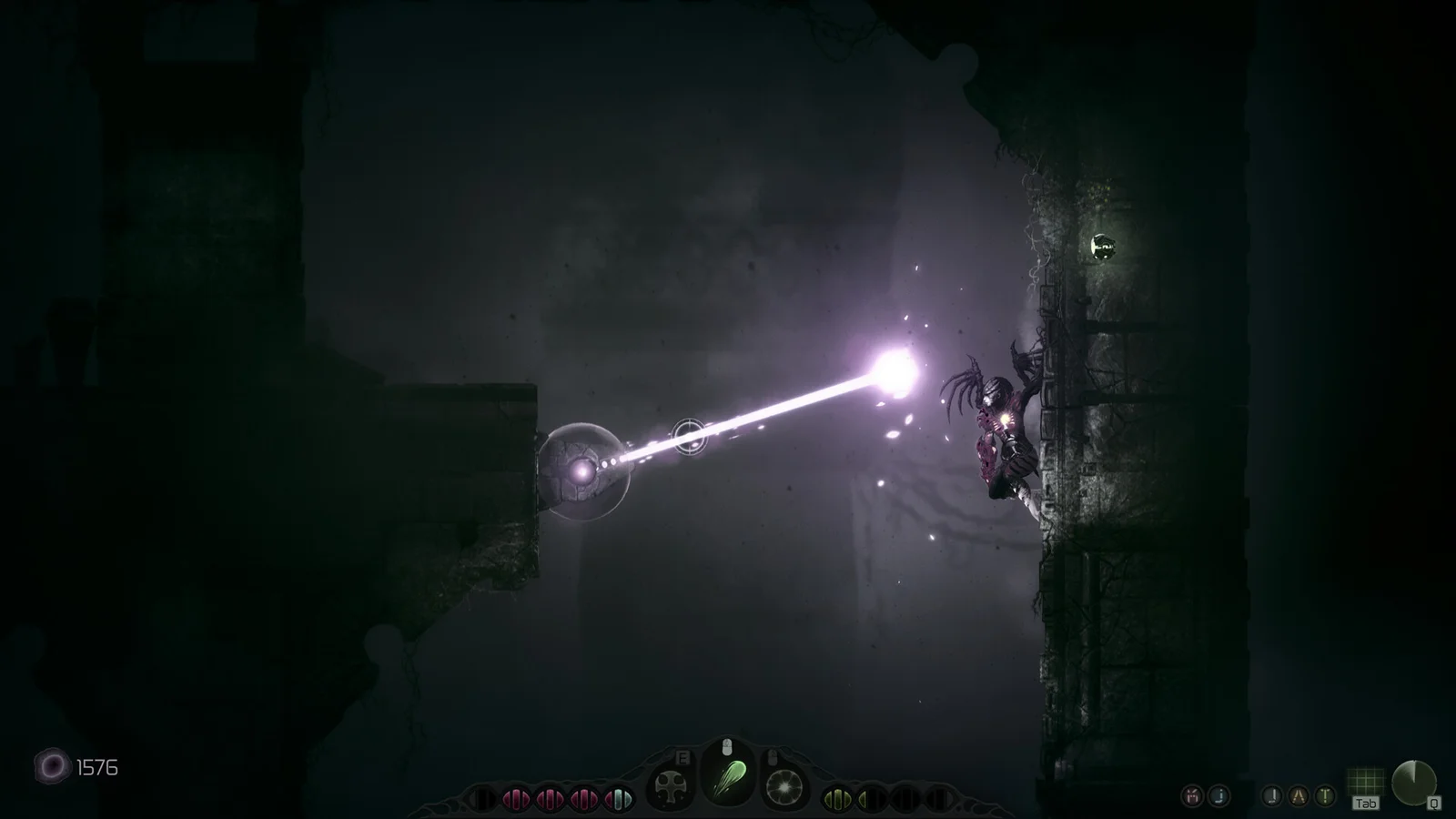
The April 28, 2025 Demo 1.1.0 notes describe stationary free aim using the gamepad left trigger, a crosshair, and target selection based on the enemy or moving target nearest the crosshair. Old footage may show a different selection system. If aim feels unpredictable, test the crosshair with one visible target before a crowded fight.
The installed GUI text also contains controller aim sensitivity and separate stick-deadzone settings. Start from your current defaults, adjust one value, and retest the same situation. We do not prescribe one sensitivity for every controller.
How do you practice movement?
Try a short press and a longer hold of jump on safe terrain, then compare the height. The installed tooltip explicitly describes holding jump for greater height. Add aiming only after movement feels consistent; combat practice gives a simple routine.
Next, learn how to activate the scanner without confusing its cursor control with weapon aim. Before entering Alvus’s encounter, make sure you can locate your healing control without checking a chart.
Sources and scope
Gloomsoft’s Demo 1.1.0 and October 2026 updates in official news; installed GUIInfosLocalized control labels and jump tooltip. Controls vary with platform, controller and custom mappings.
Related Articles
bosses
Alvus, the Blight Beast: Boss Preparation Guide
Alvus boss guide with the original scan image and confirmed mouth weak-point clue, plus a practical preparation plan and clear gameplay limits.
guides
Moadra Beginner Guide: Your First Expedition
Start Moadra with a practical, spoiler-light plan for movement, scanning, combat and Evolve Chambers. Includes Demo version notes.
guides
Moadra Demo Save Transfer & Version Differences
Check what Gloomsoft confirmed about Demo save transfer, local achievements and old save incompatibility before moving into the full game.
Was this helpful?
Thanks for the feedback!